


Millions of Australians fall victim to card fraud every year. According to the Australian Bureau of Statistics, over 3% of cardholders over the age of 15 were taken by scams between 2023 and 2024.
One of the most popular scams that can lead to card fraud is card skimming. In this article, we share how card skimming works and the steps you can take to protect yourself as a personal cardholder or as a business.
What is card skimming?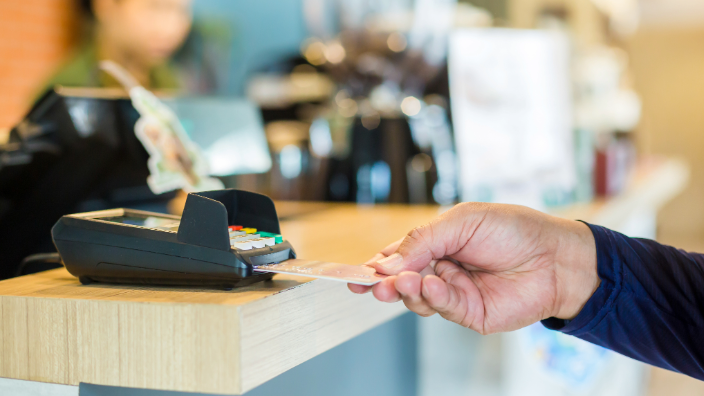
Card skimming can happen both online and in person when using a credit card or an ATM. This scam involves capturing a person’s card details along with key information needed to use it, like a PIN (personal identification number) or CVV (card verification value).
Once criminals have this information, they can use it to make unauthorised purchases or commit identity theft.
How card skimming happens
Card skimming typically occurs when a criminal attaches their own reader over an existing one to capture card information. This happens at stores, restaurants, ATMs, and anywhere you can pay by physically using your card. The information is then sent by Bluetooth to a storage device nearby. Sometimes cameras are used to capture the inputting of a PIN to go along with a stolen card number.
Online card skimming, also known as digital skimming, involves installing malware onto a website. When a customer types their card details at checkout, the code sends those details to the attacker’s server instead of the site’s payment system.
Red flags of card skimming
At the point of sale
How can you tell if card skimming might be happening where you use your card? Look out for these warning signs:
- Suspicious behaviour around a point of sale or ATM, such as someone standing too close or trying to watch you enter your PIN
- Signs of tampering on the card reader, like loose parts or something that looks out of place
- Unusual cameras positioned where they shouldn’t be, especially those aimed at keypads
- Community reports or warnings about card skimmers being used in your area.
- Card skimming at physical locations often takes place where there’s little supervision, making it harder to detect. For example, an ATM inside a convenience store may have less security than one located at a bank branch.
Online
It can be harder to tell when your card information is being skimmed during an online transaction, but there are a few red flags to watch for:
- Browser warnings or unusual pop-up windows you wouldn’t normally see
- Errors in the website’s address, such as spelling mistakes, an unfamiliar domain name, or the absence of the “https://” prefix
- Redirections to another site that isn’t the one you intended to buy from
- Missing confirmation emails after you’ve made a purchase.
Unfortunately, many people don’t realise their card details have been stolen until weeks later when they spot unfamiliar transactions on their bank or credit card statement. In more serious cases, victims may have their cards cancelled or discover their identity has been used to open new accounts or take out loans.
How to stay safe
For individual account holders
To keep your card information safe, avoid using it in situations that seem suspicious. If something doesn’t feel right, go somewhere else or pay with cash instead.
Never enter your PIN while someone else can see you. If there’s a queue behind you, cover the keypad with your hand or shield it with your body so no one can view the numbers you press.
Consider using Apple Pay or Google Pay™ instead of your physical card. These digital payment options add an extra layer of security because your card details are encrypted and replaced with a unique digital code. That means even if a scammer intercepts the information, it’s useless to them.
Avoid entering financial details on public Wi-Fi networks. You may also choose to use just one card for online or digital purchases, so the rest of your accounts remain protected if that card is compromised.
If you come across what appears to be a skimming device, report it to the business immediately. Doing so can help prevent others from falling victim to the same scam.
For small business owners
Protect your EFTPOS terminals. Criminals need physical access to a machine to modify it, so limiting that access is the best defence against data theft.
Make it a habit to inspect your terminals at least once a day, or more often if you notice any suspicious activity. Even if the terminal belongs to another provider, such as a bank ATM, it reflects well on your business to help protect customers from skimming.
Check that receipts always display the correct business name and address. In some cases, bold criminals have swapped entire terminals to capture card data.
If your business operates online, invest in strong cyber security measures and keep your systems regularly updated to reduce the risk of digital skimming. Always encrypt financial transactions to protect your customers and your reputation.
What to do if you’re the victim of card skimming
If you believe you’ve been affected by card skimming, report it immediately so that your bank can investigate any unauthorised transactions that result from stolen card data.
For business operators, it’s important to inform law enforcement of any attempts to skim data from your store or website. You should also inform any customers who may have been affected and report data breaches to the Office of the Australian Information Commissioner, as required by law.